Startup and license server#
Upon startup, Petrel will check the features that are available based on the selected license. It is here that the software check whether a license has been assigned, and, if not, prompt with a warning.
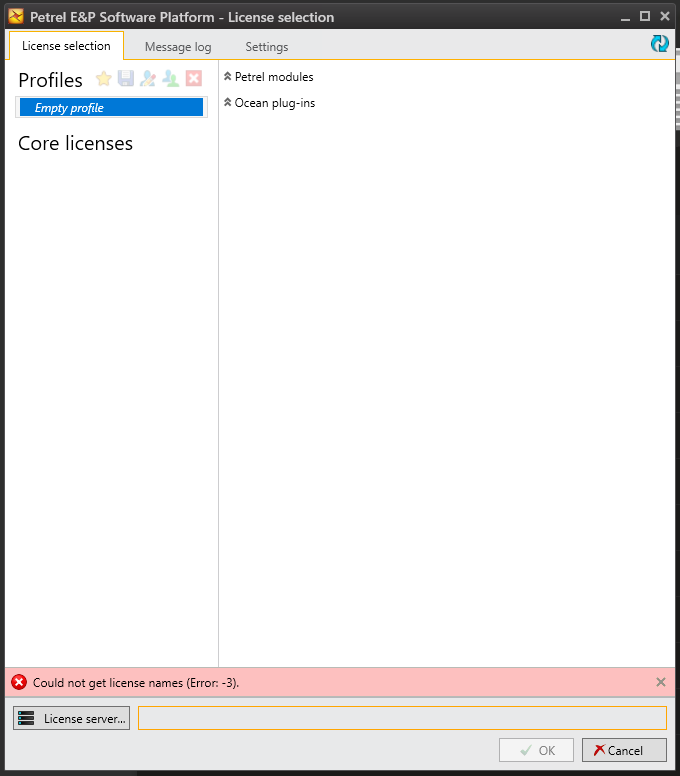
Fig. 1 Error -3 is a typical error when no license server has been set.#
Greeted with the Error: -3, click on License server... and provide the environmental variable.
This is in the format:
{port_number}@{IP_address}
{port_number}@{machine_name}.{domain}
Multiple addresses can be provided but must then be separated by kbd{;}.
Once successful, several Core licenses should be shown.
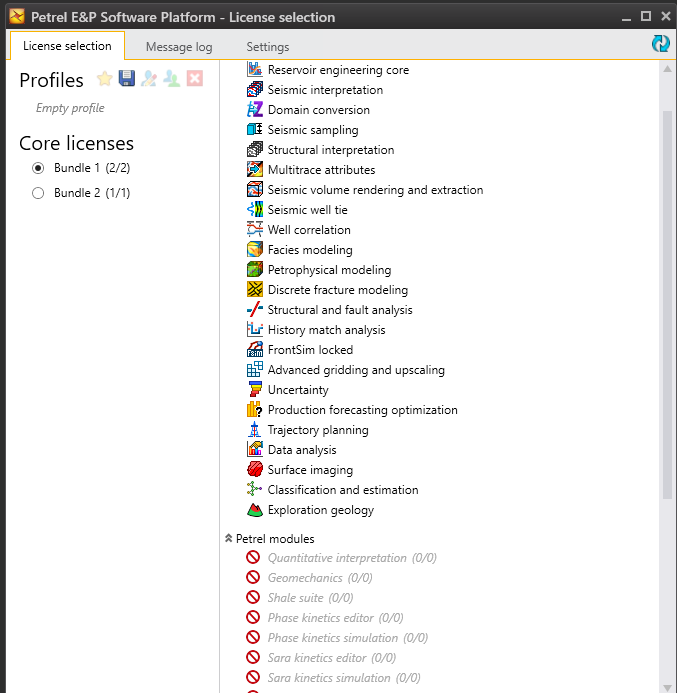
Fig. 2 Available features per Bundle.#
Clicking on any of the bundles allows further selection of additional features, if available.
This is done in the panel to the right.
Once done, press  to start Petrel.